Professional Shot List Template
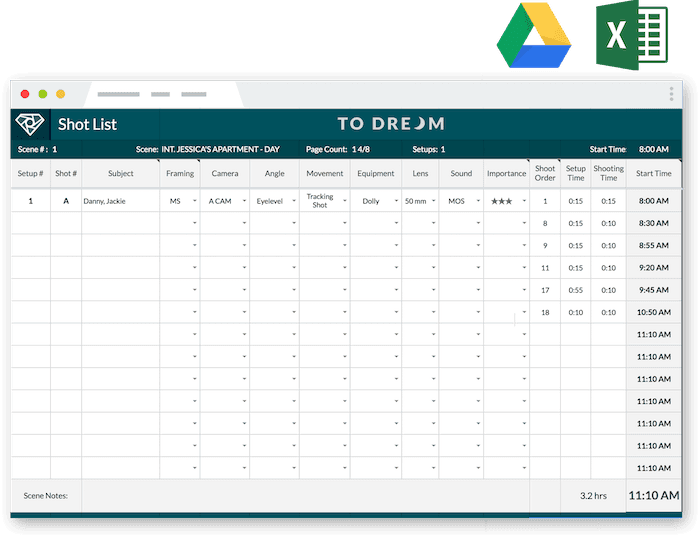
A free shot list template for Excel and Google Sheets. Plan every shot by setup, framing, lens, and movement, and see how long the scene will take to shoot.
- Format
- Excel, PDF + Google Sheets
- Best for
- Narrative films, commercials, music videos
- Calculations
- Start times and total shoot time
- License
- Free for commercial use
Why this template
A shot list is where the schedule starts.
A shot list is every shot you plan to film, written down before the shoot day. The director and the cinematographer build it together in pre-production, and the 1st AD uses it to work out how much the crew can shoot in a day.
This template is built for that handoff. Shots are grouped by setup, each one gets a setup time and a shooting time, and the sheet adds them up so you can see whether the scene fits the day.
What's inside
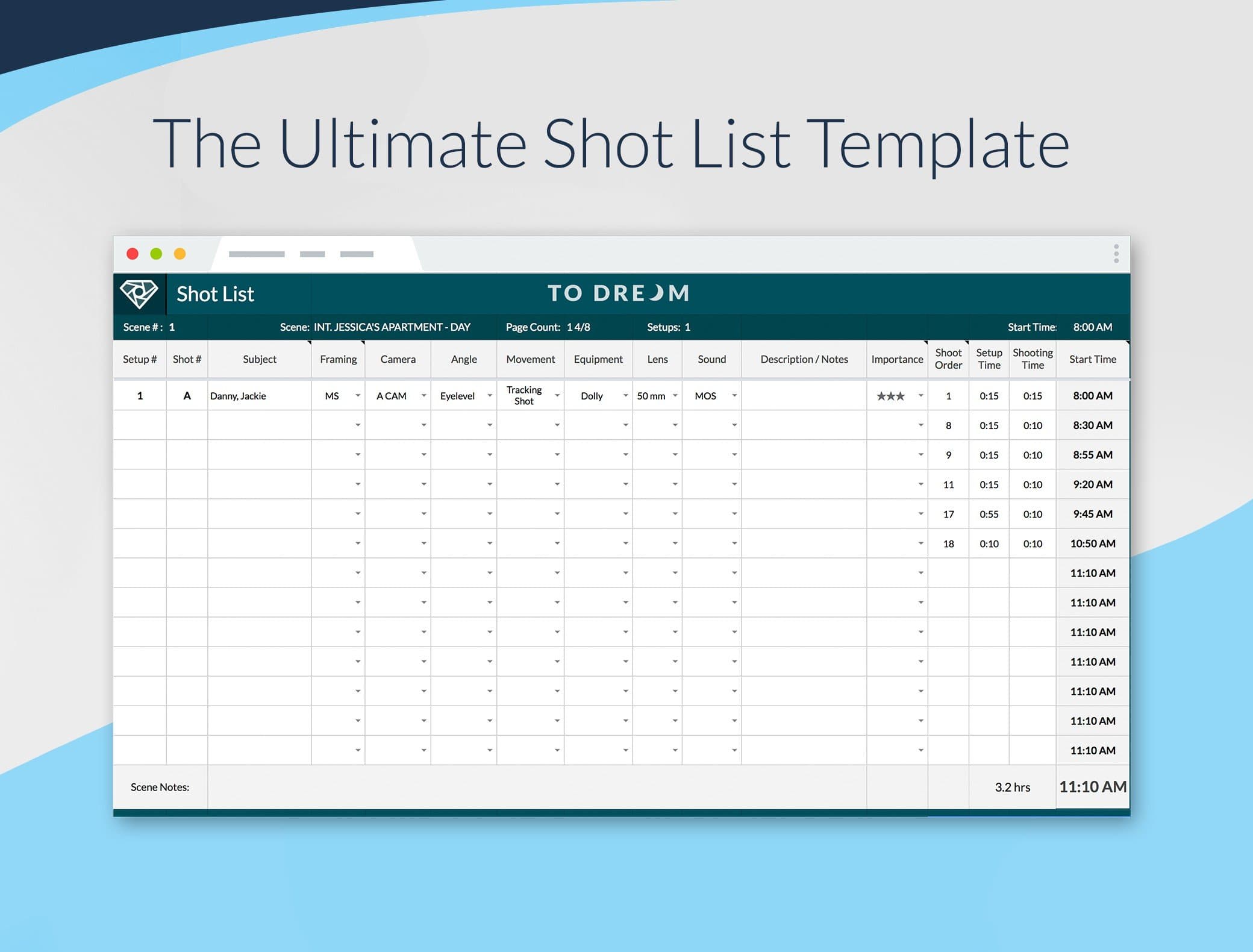
One sheet per scene, from the first setup to the last start time.
Dropdowns keep the rows quick to fill, and the timing columns update as you go. Duplicate the sheet for each scene.
Scene header
Scene number, scene heading, page count in eighths, number of setups, and the scene's start time.
Setup and shot
A setup number and a shot letter for each row, so the third shot of scene 1 is 1C.
Subject
Who or what is on camera.
Framing and angle
Shot size, from extreme close-up to extreme long shot, and the angle: eye level, low, high, Dutch tilt, POV.
Camera
Which camera takes the shot (A cam, B cam) on a multi-camera shoot.
Movement and equipment
How the camera moves (static, pan, dolly, tracking shot) and what it rides on, from a tripod to a drone.
Lens and sound
Focal length, and whether the shot uses a boom, lavs, both, or is MOS.
Description and notes
A free-text column for blocking, effects, or anything the dropdowns can't say.
Importance
A star rating for each shot, so you know what to combine or cut if the day runs behind.
Shoot order and timing
Shoot order, setup time, and shooting time for each shot. The sheet works out each start time and the scene total.
Scene notes and dropdown options
A notes line at the foot of each scene, and a second tab where you add your own lenses, rigs, and shot sizes.
How to fill it in
How to fill in a shot list
Start once the script's scene numbers are locked, so they won't change under you. Work one scene at a time: copy the scene number, the scene heading, and the page count from the script into the header.
Add a row for each shot. Give it a letter, say who is in it, and choose the framing, angle, movement, and lens. Group shots that share a camera position and lighting into one setup, because every new setup costs time.
Then set the shoot order, which is rarely script order, and estimate a setup time and a shooting time for each row. Allow for three or four takes. Rate each shot's importance, so that if the day runs long you already know what to combine or drop.
FAQ
Shot list questions
- 01
Customizable
Dropdowns for framing, camera, angle, movement, equipment, lens, sound, and importance, with a tab where you edit the lists.
- 02
Professional
The columns a director, a DP, and a 1st AD each look for, in the order they read them.
- 03
Beautiful
Laid out so the list reads at a glance on set, not like a spreadsheet dump.
- 04
Free
Enter your email and we send the file. No watermark.
Pair it with
All templates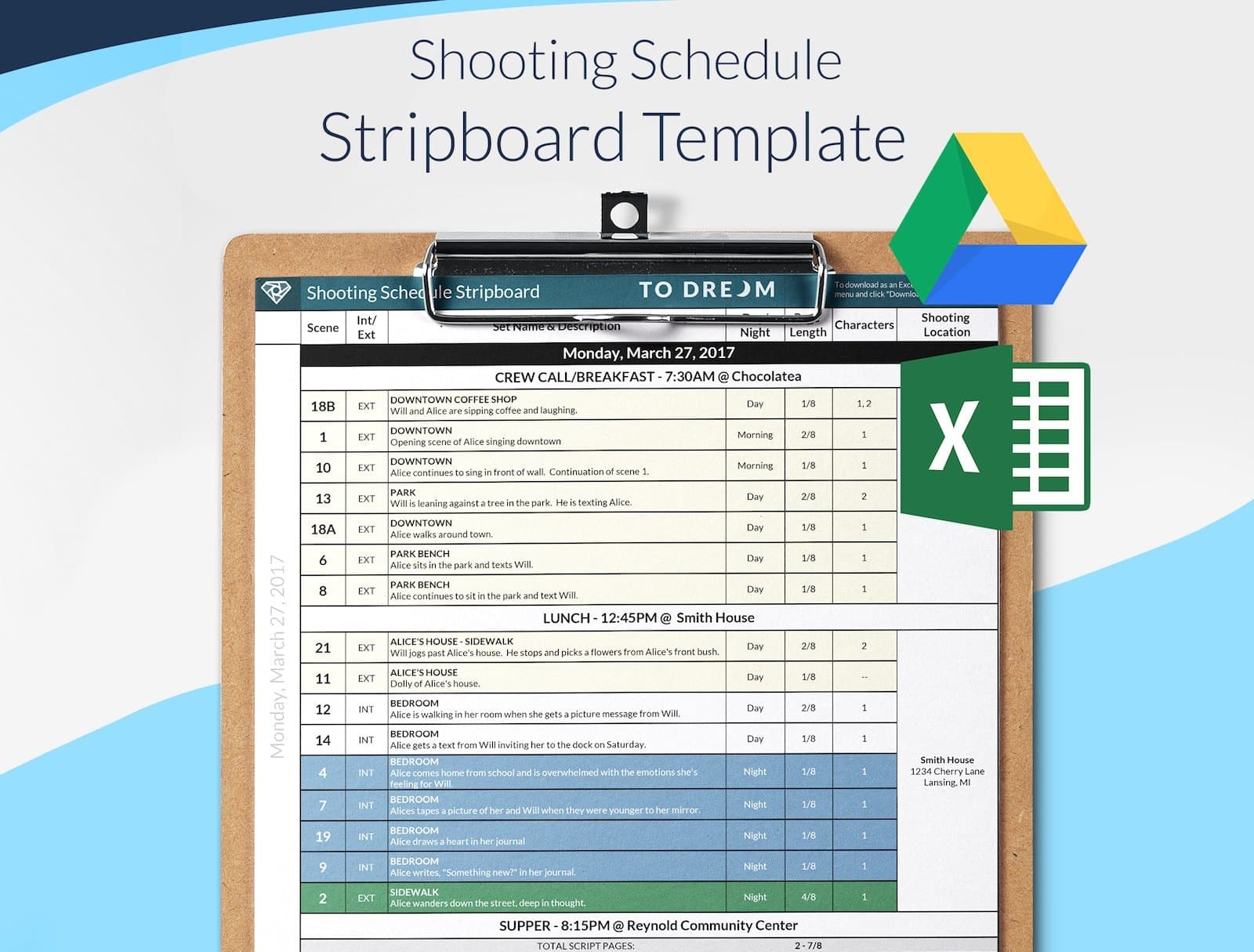
Pre-Production
Professional Stripboard Template for Excel
Color-coded strips, day breaks, and page totals: a stripboard in Excel and Google Sheets.
Pre-Production
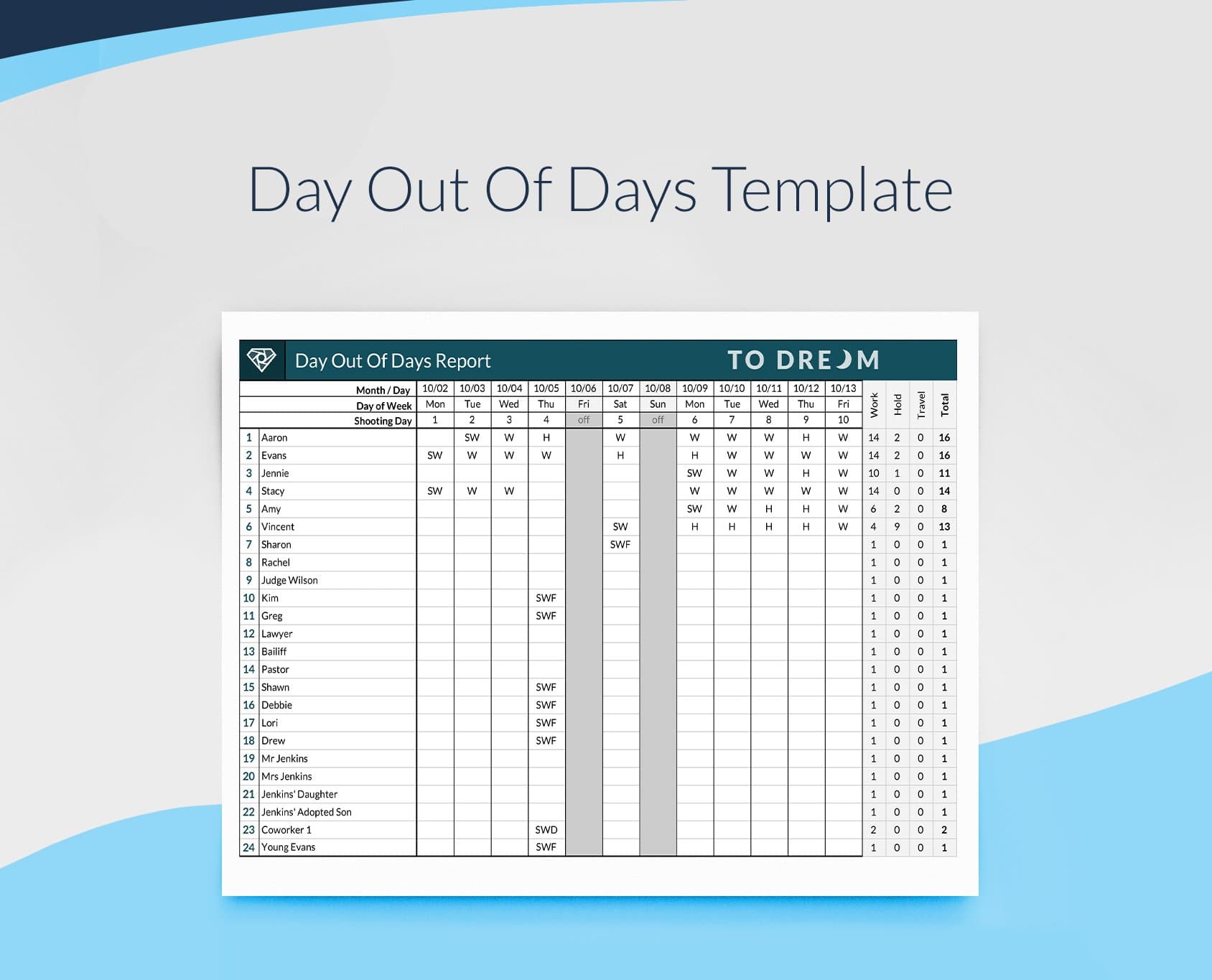
Professional Day out of Days (DOOD) Template
Cast scheduling at a glance: start, work, hold, and finish days across the schedule, with totals for each cast member.
Pre-Production
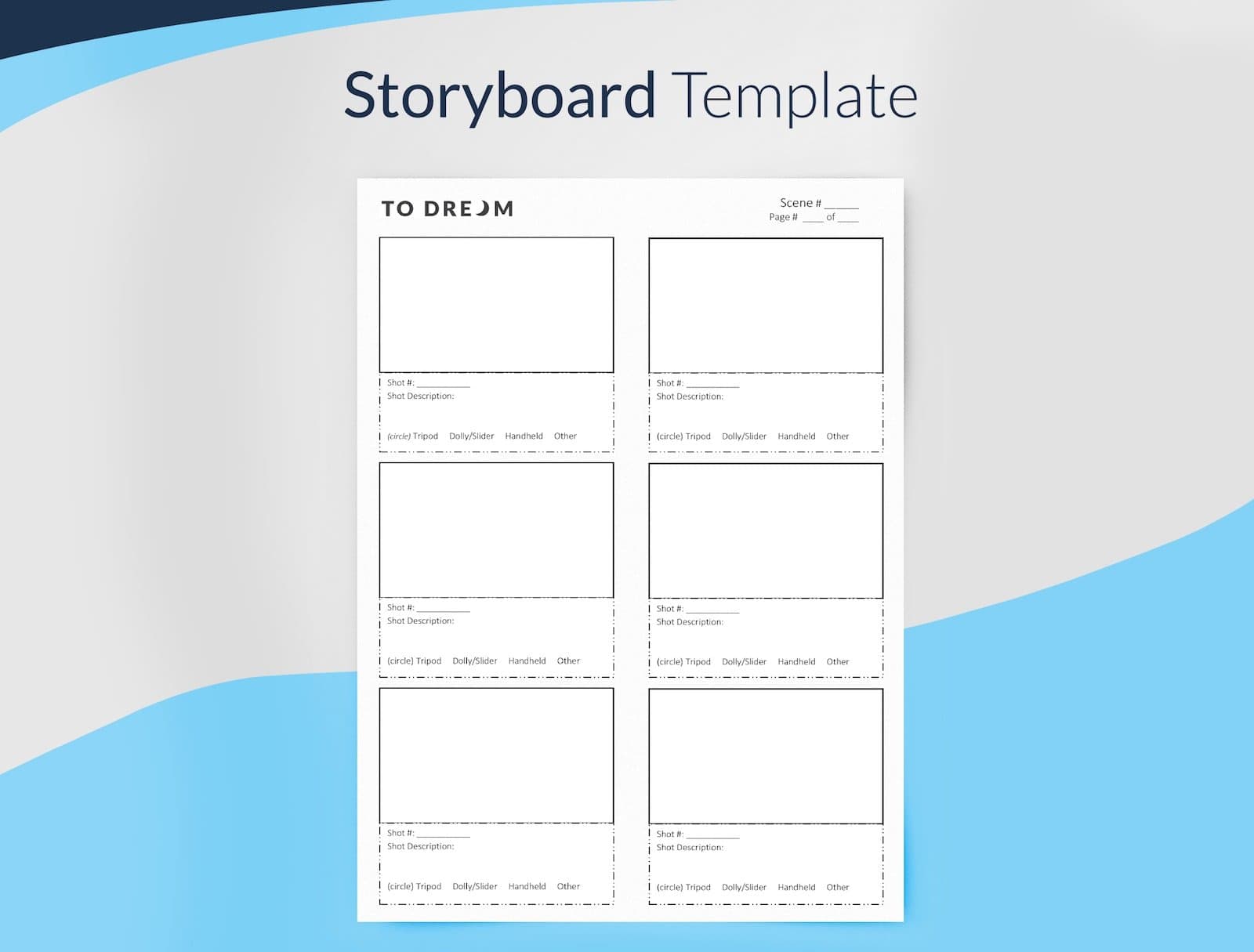
Simple Storyboard Template
Six-panel storyboard pages with a shot number, description, and camera-support line under each panel.