Professional Stripboard Template for Excel
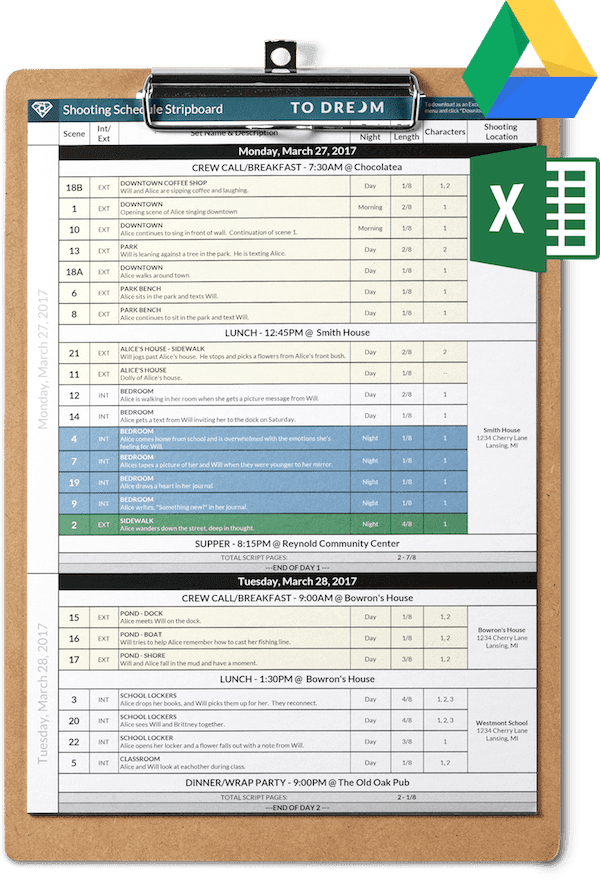
A free shooting schedule template: color-coded strips, day breaks, and page totals for each day, in a stripboard you can share with anyone. Built in Excel, with a Google Sheets copy.
- Format
- Excel + Google Sheets
- Best for
- Features, shorts, episodic
- Pairs with
- DOOD + Shot List
- License
- Free for commercial use
Why this template
Let's face it. Scheduling can be hard.
A stripboard is the spine of a film schedule — and the document everyone above the line wants to see before they sign. Get it right and prep runs itself; get it wrong and the production falls a day behind on day one.
We built this template for teams who would rather not pay for Movie Magic Scheduling just to ship a stripboard. It is not as feature-rich, but it covers the cases an indie or commercial production actually needs: strips, day breaks, page counts, INT/EXT, day/night, cast IDs, and a clean export to PDF.
Read the full guide: Making a Stripboard Shooting Schedule for Your Film
What's inside
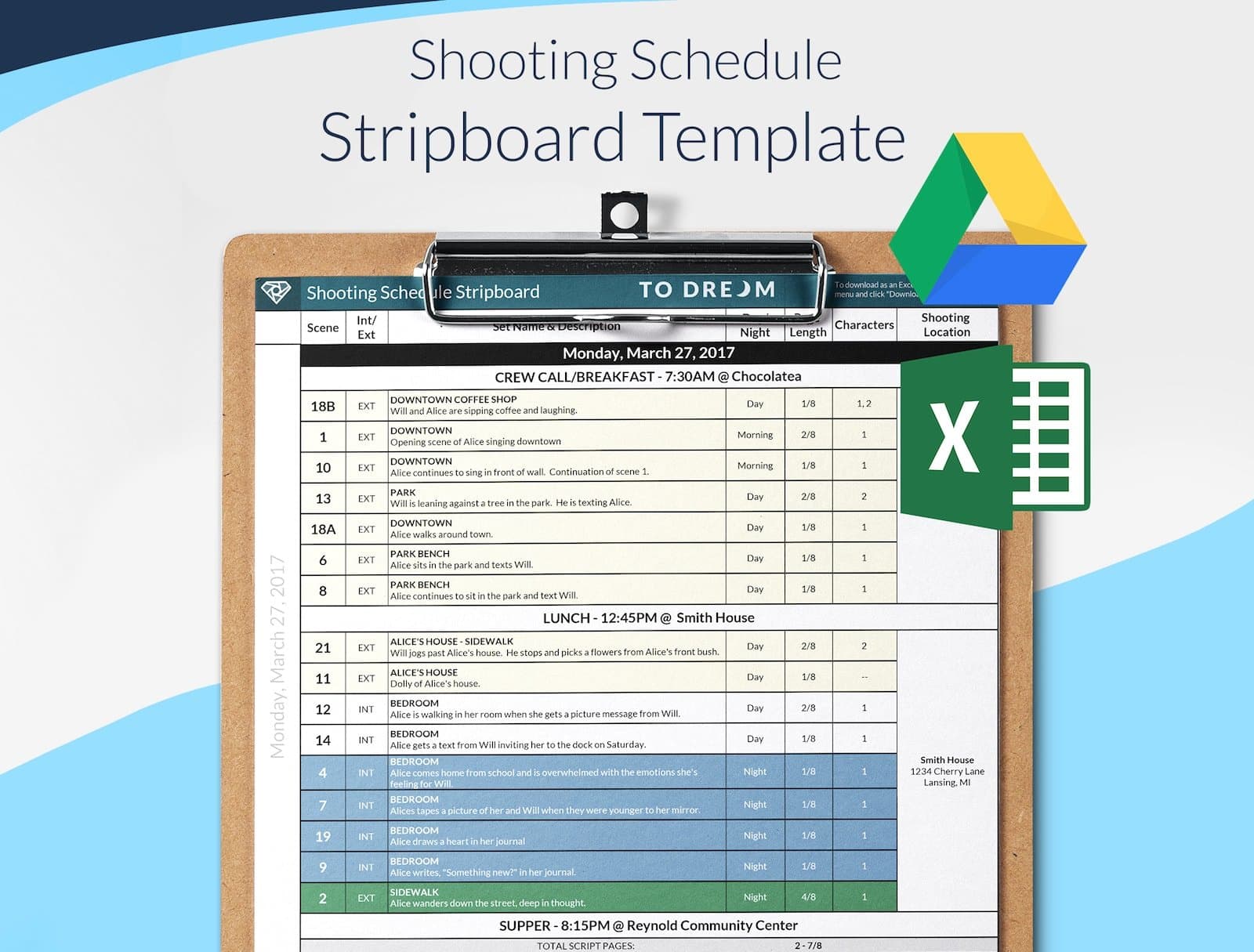
Strips, day breaks, and cast counts in one editable file.
Each row is a strip; each color block is an INT/EXT or day/night change; each break is a shooting day.
Color-coded strips
Day and night, interior and exterior, shown in color so the board reads at a glance.
Scene and page length
A page length on every strip, and the total script pages at the end of each day.
Day breaks
A banner for each shooting day, with rows for crew call, meals, and end of day.
Characters
Cast numbers on each strip, so you can see who is working.
Locations
The shooting location and its address beside each group of strips.
Two versions
A color board and a black-and-white one for printing. The download also includes a strips and one-liner workbook.
Pairs with the day out of days
Use the same cast numbers in both.
Stripboards 101
Making a stripboard schedule for your film.
A stripboard collapses your script into one row per scene, then lets you reorder those rows until the production day makes sense. Group your INT scenes at one location, fit the night work into one block, and back-load anything that depends on weather or hero builds.
Once the strips are roughed in, you drop in day breaks to mark out shooting days. The pages and scenes that fall inside each shooting day is what you'll defend in a UPM meeting — and the order of those days is the document you'll hand to the location manager and 1st AD.
When the schedule changes (and it always changes), the stripboard is the first document you update — then propagate to the DOOD, the call sheets, and the production calendar.
FAQ
Stripboard and shooting schedule questions
- 01
Customizable
Standard spreadsheet rows you can reorder, in a color version and a black-and-white one.
- 02
Professional
The same conventions a working AD or UPM expects to see — INT/EXT, day/night, day breaks — without the Movie Magic price tag.
- 03
Beautiful
Hand-laid color coding so the board reads at a glance. Day numbers, page counts, and cast IDs all in their right place.
- 04
Free
Enter your email and we send the file.
Already on Movie Magic?
Scheduling in Movie Magic?
Our exporter turns a Movie Magic Scheduling schedule into an Excel file the rest of the team can open, without buying a license.
Pair it with
All templates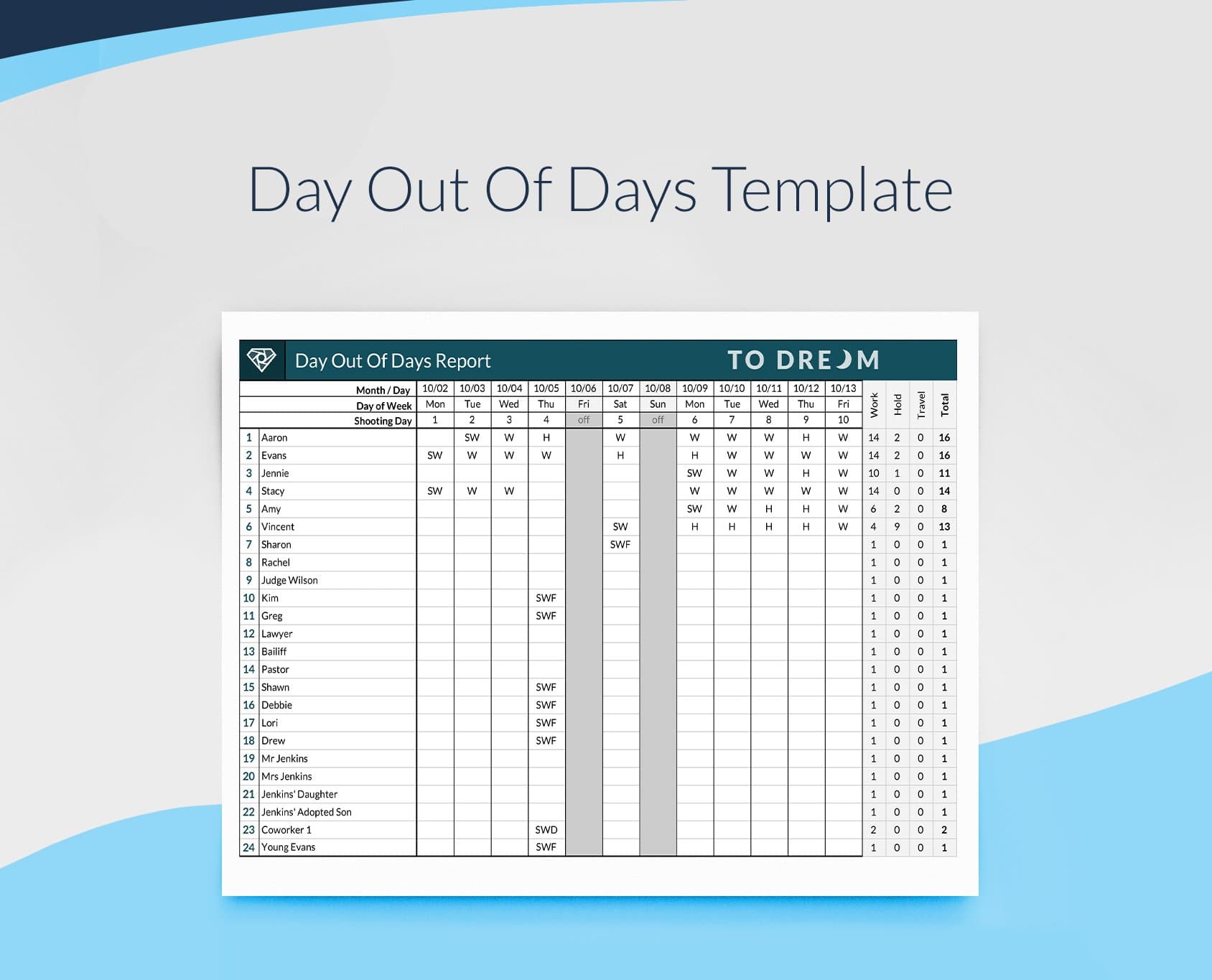
Pre-Production
Professional Day out of Days (DOOD) Template
Cast scheduling at a glance: start, work, hold, and finish days across the schedule, with totals for each cast member.
Pre-Production
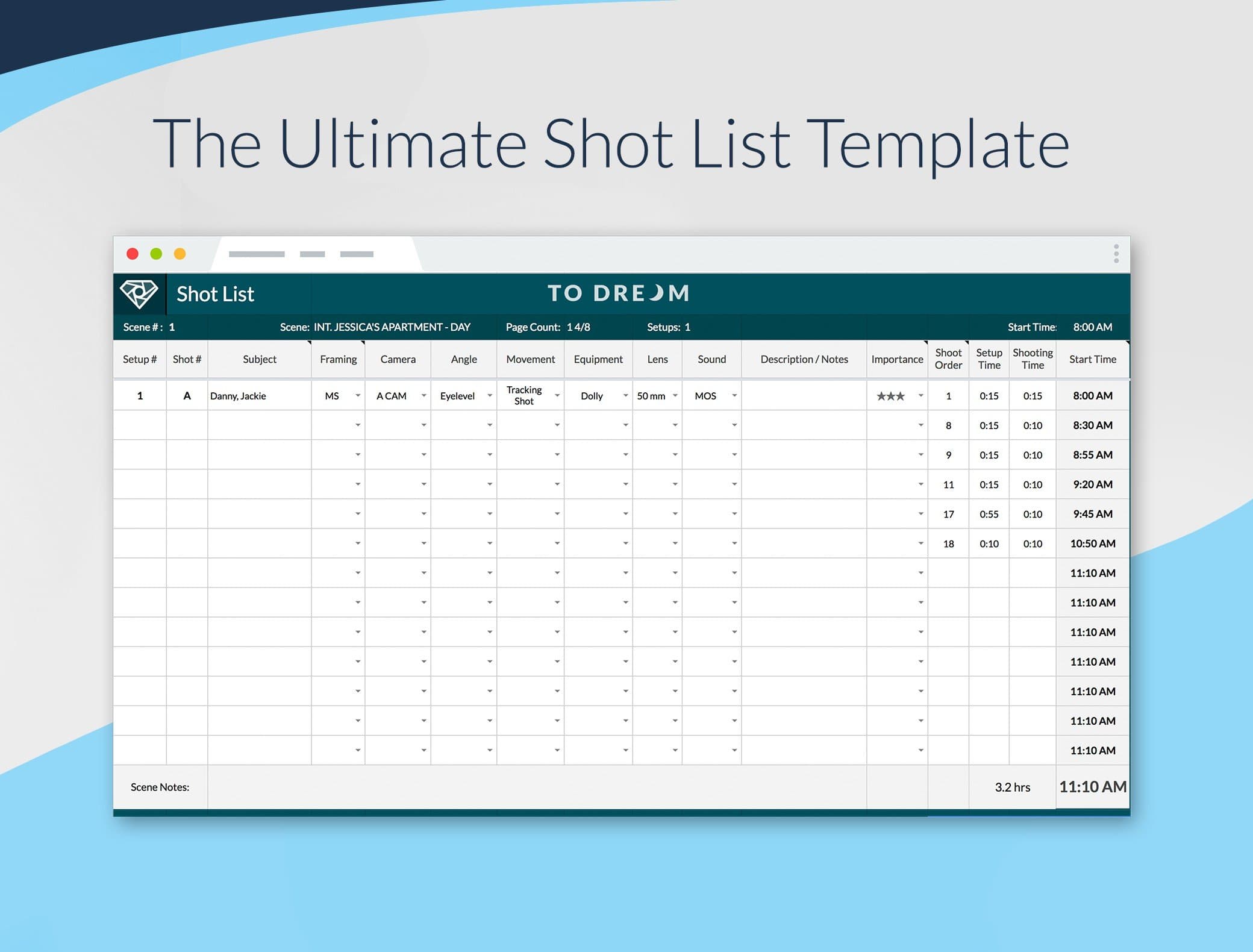
Professional Shot List Template
A shot list that doubles as a schedule. Group by setup, mark coverage, and track lens and movement in one row.
Production
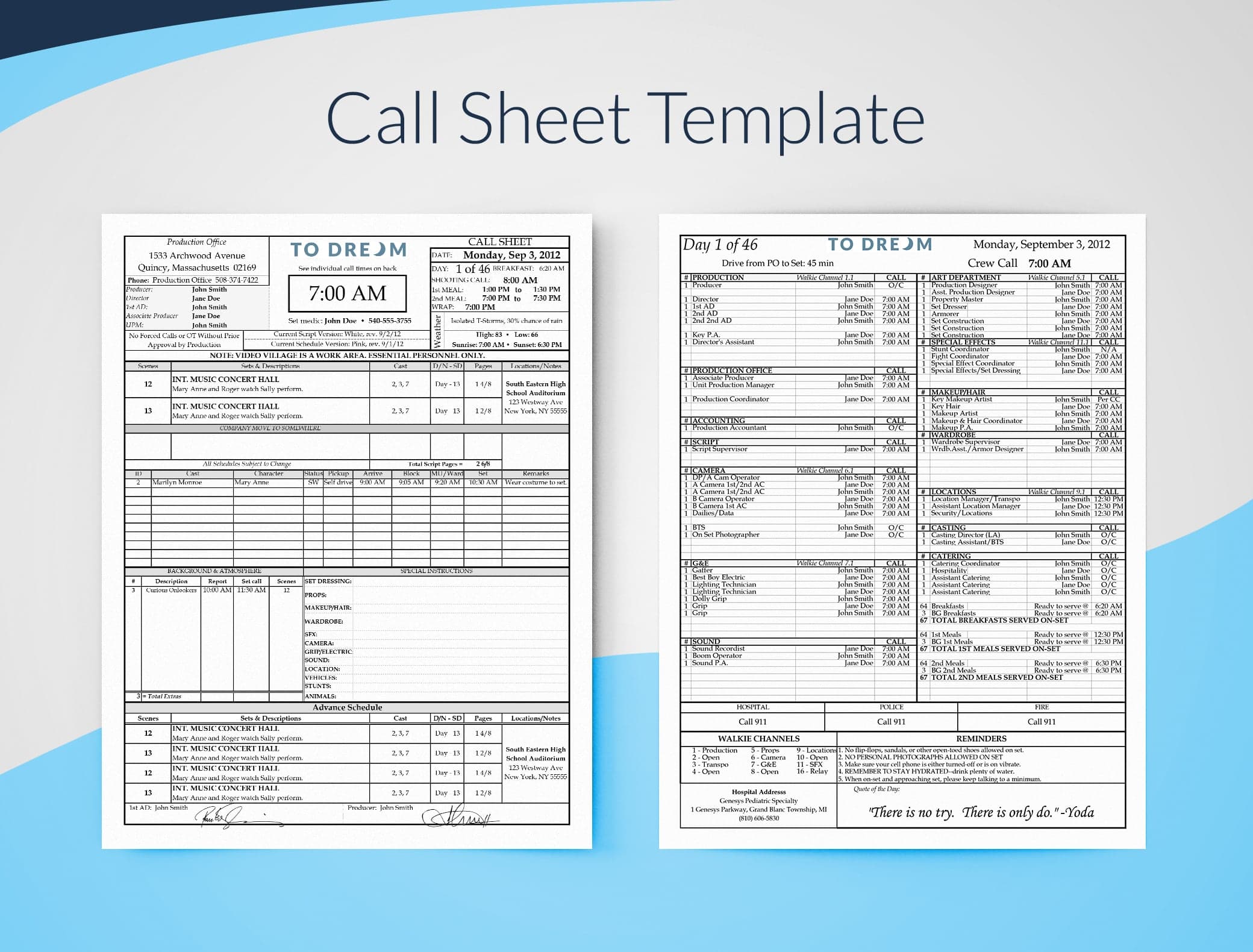
Professional Call Sheet Template for Excel
The full call sheet we ship to crew on every shoot day. Header, schedule, crew list, weather, and parking — all in one editable Excel file.