Daily Production Report Template
Track scenes shot, pages, setups, minutes, and cast and crew times against the schedule. The daily production report a line producer expects at wrap.
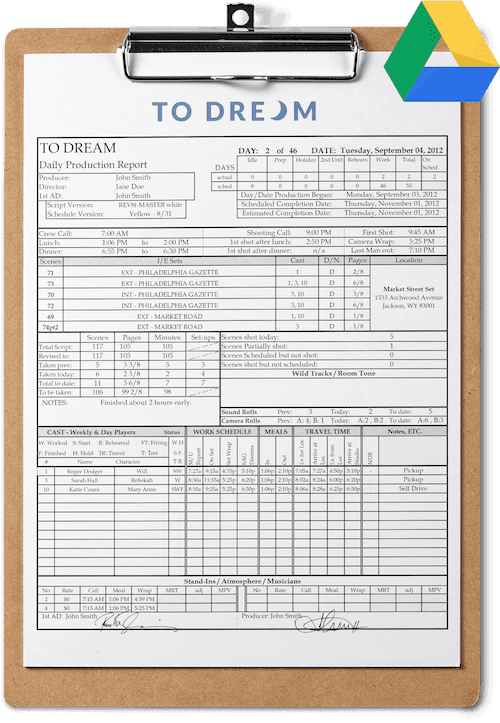
- Format
- Excel, PDF + Google Sheets
- Pages
- 2 — front and back
- Best for
- Features, episodic, union shoots
- License
- Free for commercial use
Why this template
The single source of truth for a shooting day.
The Daily Production Report — DPR for short — is the end-of-day record that says, on paper, how the shoot went. Hours worked, scenes shot, pages covered, setups, meal breaks, and any flags the production needs to log for safety, union, or insurance reasons.
On small shoots it is optional. On a feature, an episodic show, or a union production, it is expected, and it is what gets sent up to the studio, network, or insurer. Improvising it under pressure at 11pm is how mistakes get made.
Read the full guide: Daily Production Reports Made Easy: Complete Guide + Free Template
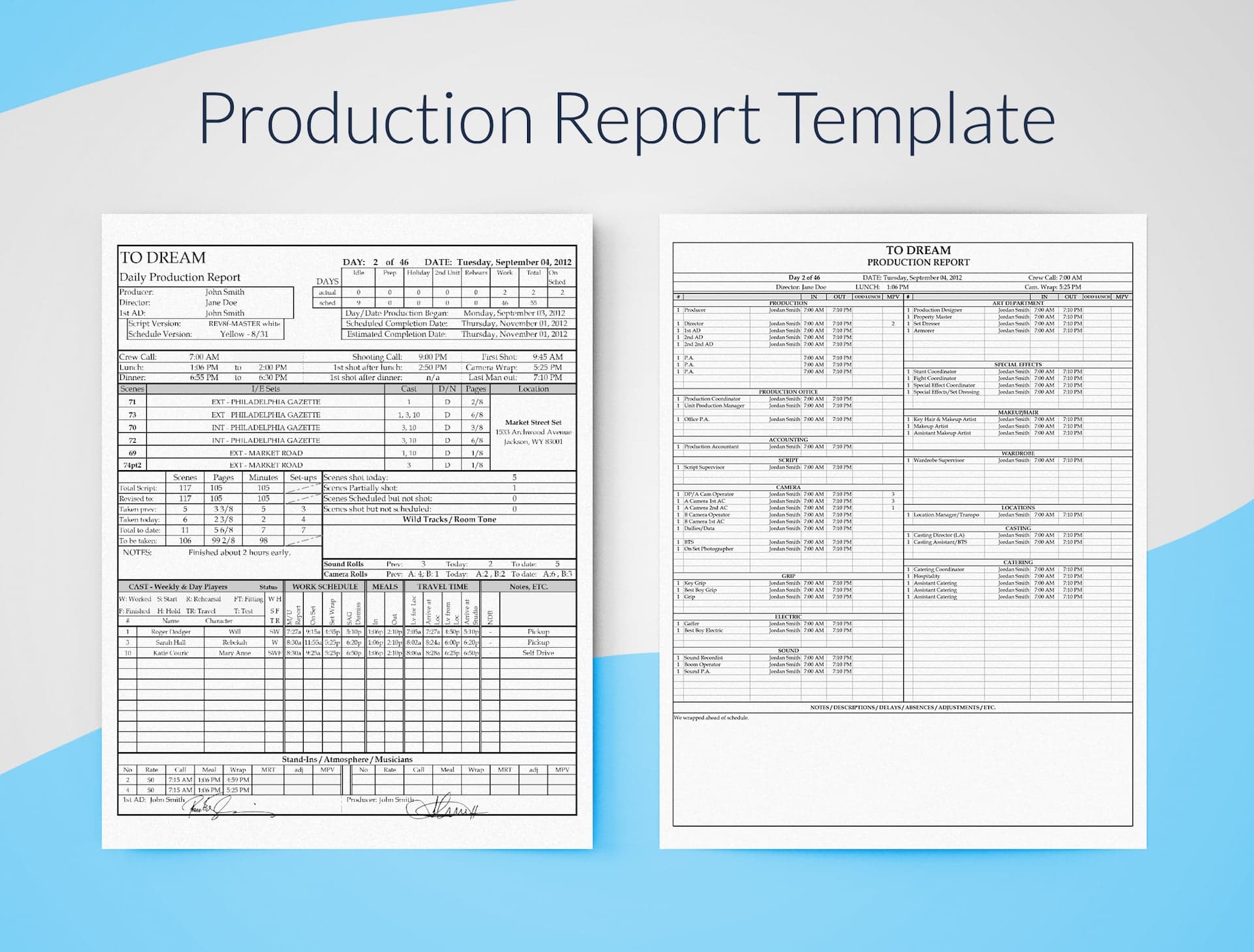
Front of the report
Production header, scenes, and time tracking.
The front captures everything a producer needs to know the morning after — what got shot, what didn't, and how the day stacked up against the schedule.
Production header
Title, day number, date, producer, director, and the script and schedule versions.
Schedule status
The date production began, the scheduled completion date, and the estimated completion date.
Day counts
Idle, prep, holiday, 2nd unit, rehearsal, and work days, scheduled against actual.
Key times
Crew call, shooting call, first shot, lunch, first shot after lunch, camera wrap, dinner, and last man out.
Scenes
Scenes shot today, partially shot, scheduled but not shot, and shot but not scheduled.
Pages, minutes, setups, and rolls
Script totals against what was taken today and to date, with camera and sound rolls.
Cast times
Status, makeup call, on set, wrap and dismissal, meals, and travel times for each cast member.
Stand-ins and atmosphere
Rate, call, meal, and wrap for stand-ins, background, and musicians.
Sign-off
Name lines for the 1st AD and the producer.
Back of the report
Crew by department, with times and notes.
Every crew member by department, with room to explain anything unusual about the day.
Crew by department
Position and name for each crew member, with an out time, any odd lunch, and a meal-penalty column.
Departments
Production, production office, accounting, camera, grip, electric, sound, art, special effects, makeup and hair, wardrobe, script, locations, casting, behind the scenes, and catering.
Day times
Crew call, lunch, and camera wrap repeated at the top.
Notes
Descriptions, delays, absences, and adjustments.
How to fill it in
How to fill in a production report
Start from that day's call sheet. The header, the scheduled scenes, the cast, and the crew list are the same, so copy them across before the day begins.
At wrap, record what happened: the actual key times, which scenes were shot, partly shot, or not shot, and the pages, setups, and minutes from the script supervisor. Add the camera and sound rolls.
Then enter each cast member's times and each crew member's out time, and use the notes for delays, absences, or anything a producer would want explained. The 1st AD and the producer sign off, and the report goes out that night or first thing in the morning.
FAQ
Production report questions
- 01
Customizable
A standard spreadsheet, front and back, with every cell editable. Comes as Excel and as a Google Sheet.
- 02
Professional
The fields a UPM or line producer looks for: schedule status, key times, scenes, rolls, and cast and crew times.
- 03
Beautiful
Hand-typeset rows so a busy producer can scan a day's worth of data in fifteen seconds.
- 04
Free
Enter your email and we send the file.
Producing more than one show?
Turn your call sheet into a production report.
At wrap, SetHero turns your call sheet into a production report with one click. Adjust the times and notes, then share it as PDF and Excel.
Pair it with
All templates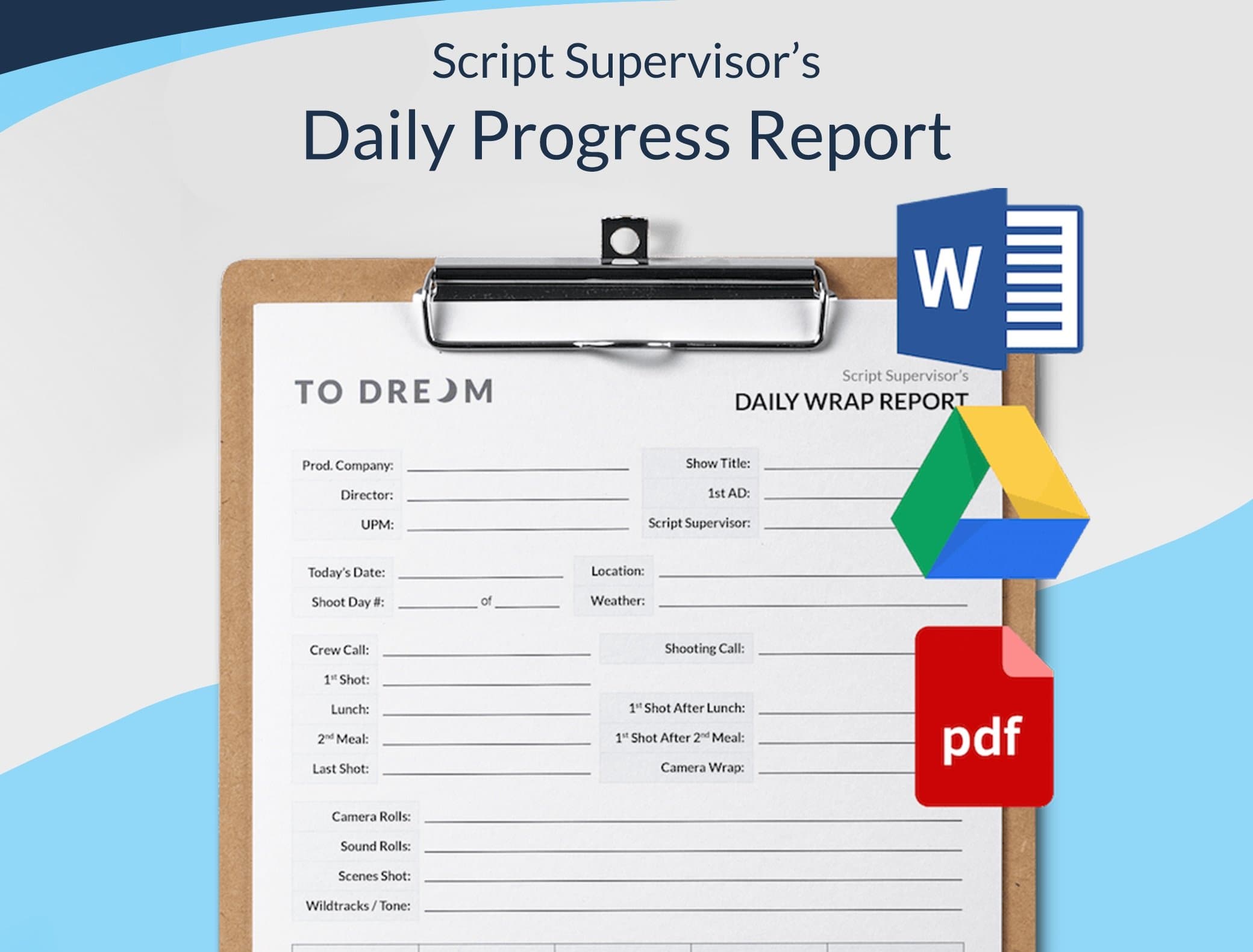
Production
Script Supervisor Daily Progress Report
A one-page daily progress report: key times, rolls, scenes shot, and running totals.
Production
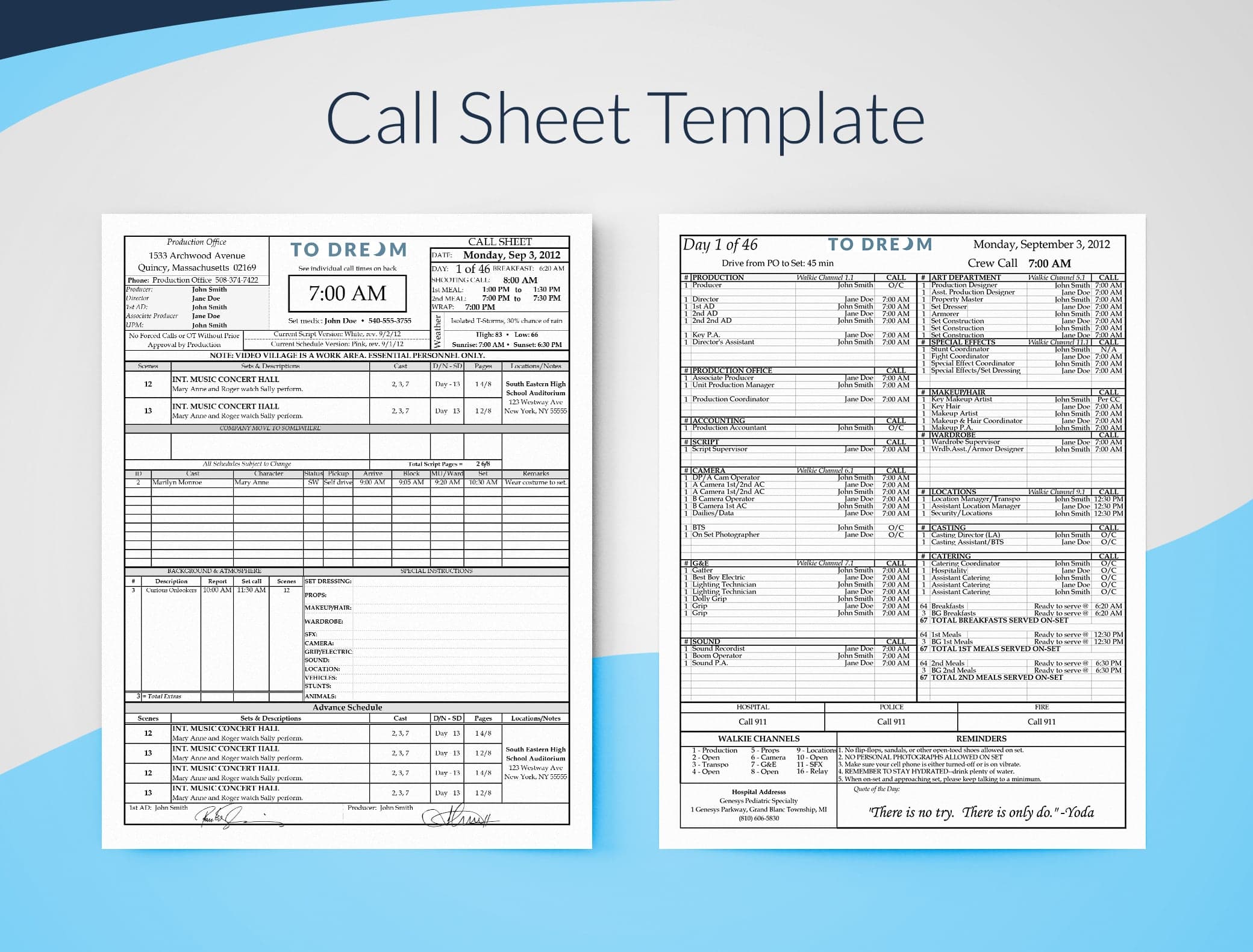
Professional Call Sheet Template for Excel
The full call sheet we ship to crew on every shoot day. Header, schedule, crew list, weather, and parking — all in one editable Excel file, with a Google Sheets copy.
Legal
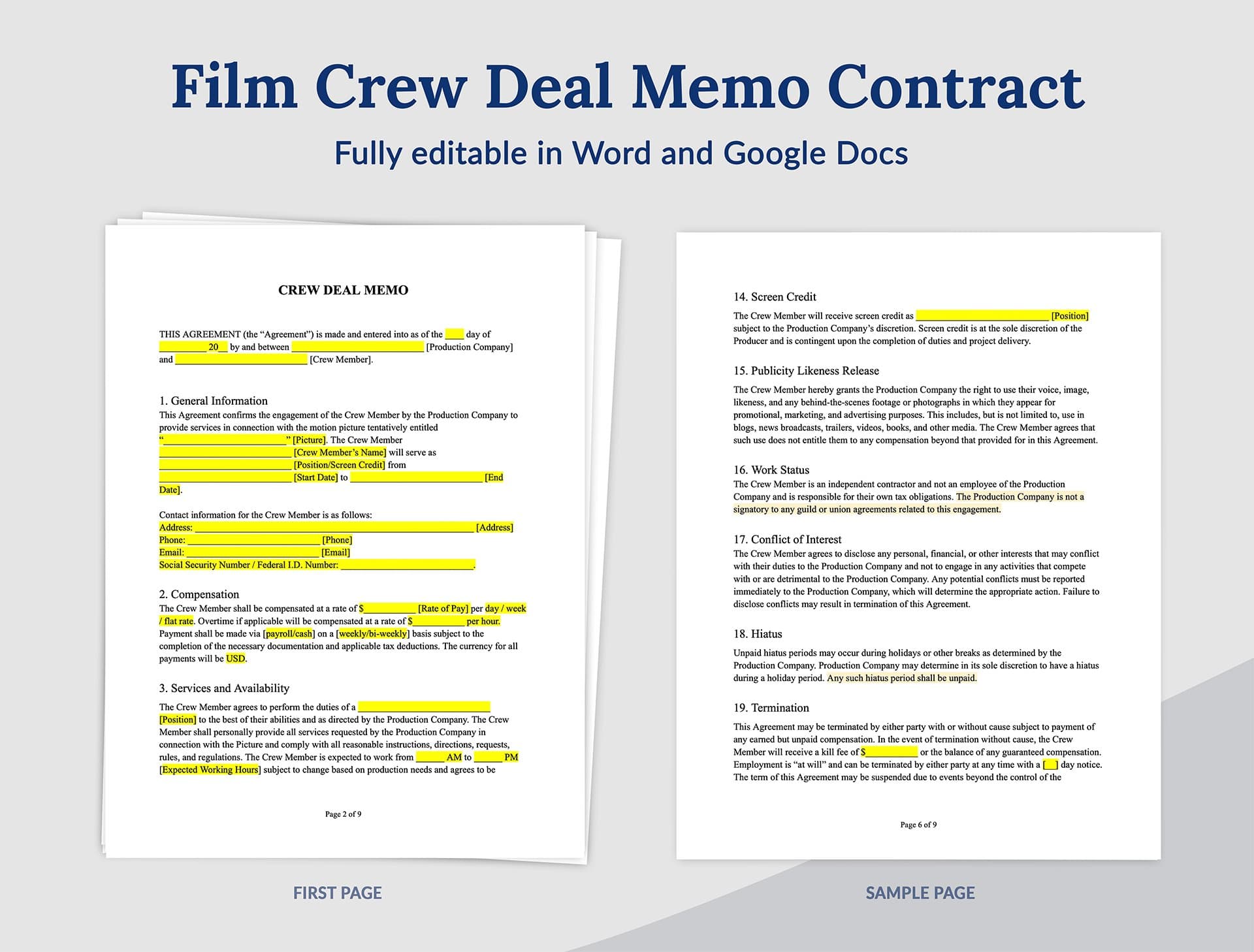
Crew Deal Memo Template
Day rates, hours, kit fees, and overtime in one signable memo. Use as-is or adapt to your union or local rates.