Script Supervisor Daily Progress Report
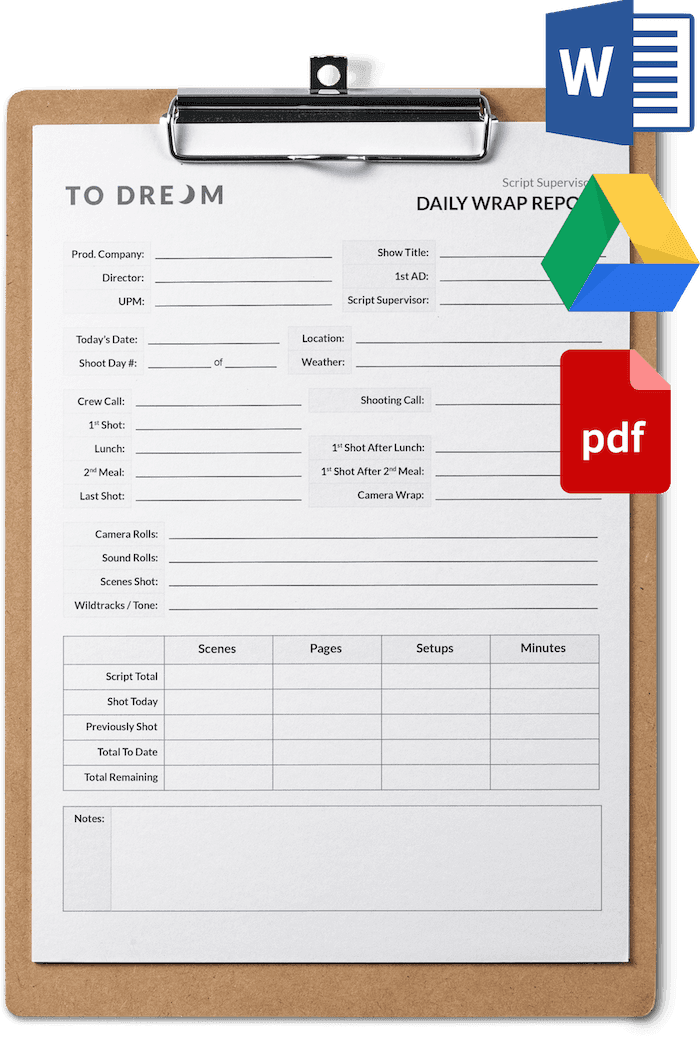
A one-page daily progress report for the script supervisor: the day's key times, camera and sound rolls, scenes shot, and running totals of scenes, pages, setups, and minutes.
- Format
- Word, PDF + Google Docs
- Pages
- 1 — single page
- Best for
- Features, episodic, narrative shorts
- License
- Free for commercial use
Why this template
The day in numbers, on one page.
At wrap, the production office needs to know how the day went against the script: what was shot, how many pages and setups, and how much is left. The script supervisor is the person who has been counting.
This report collects those counts on a single page, with the day's key times and the camera and sound rolls used. It doesn't replace the script supervisor's lined script or continuity notes.
What's inside
What's on the page.
Fill it in by hand at wrap, or type into the Word or Google Docs version.
Production details
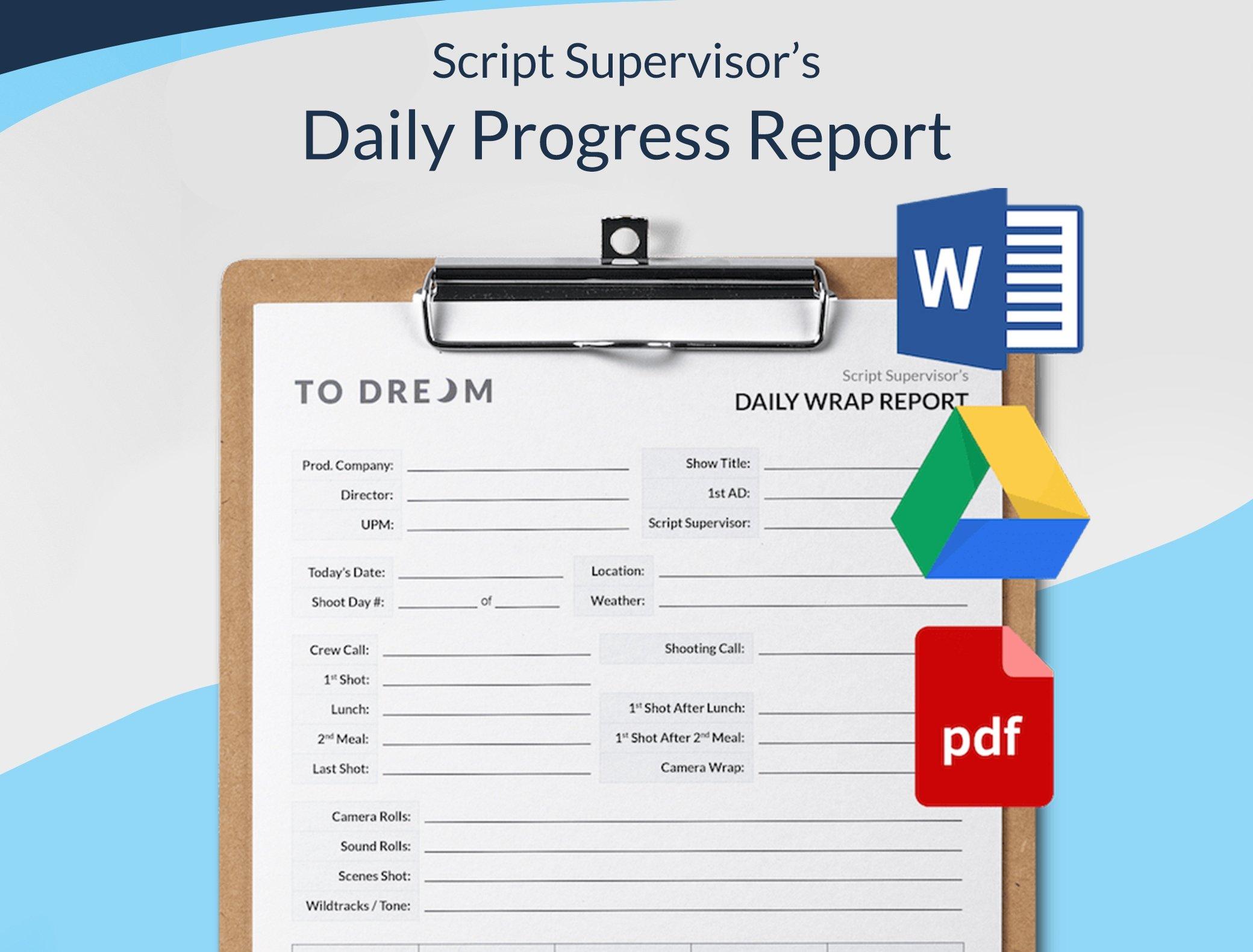
Production company, show title, director, 1st AD, UPM, and script supervisor.
Day details
Date, location, shoot day number, and weather.
Key times
Crew call, shooting call, first shot, lunch, first shot after lunch, second meal, last shot, and camera wrap.
Rolls
Camera rolls and sound rolls.
Scenes shot and wild tracks
The scenes shot that day, and any wild tracks or room tone recorded.
Running totals
Scenes, pages, setups, and minutes: script total, shot today, previously shot, total to date, and remaining.
Notes
Room for anything the numbers don't explain.
FAQ
Script supervisor report questions
- 01
Customizable
Comes as a Word file and a Google Doc. Add the rows or fields your show needs.
- 02
Professional
The running totals a production office asks for at wrap: script total, shot today, previously shot, total to date, and remaining.
- 03
Beautiful
Laid out so the day's numbers can be read at a glance.
- 04
Free
Enter your email and we send the file.
Want to skip the spreadsheet?
Turn your call sheet into a production report.
At wrap, SetHero turns your call sheet into a production report with one click. Adjust the times and notes, then share it as PDF and Excel.
Pair it with
All templates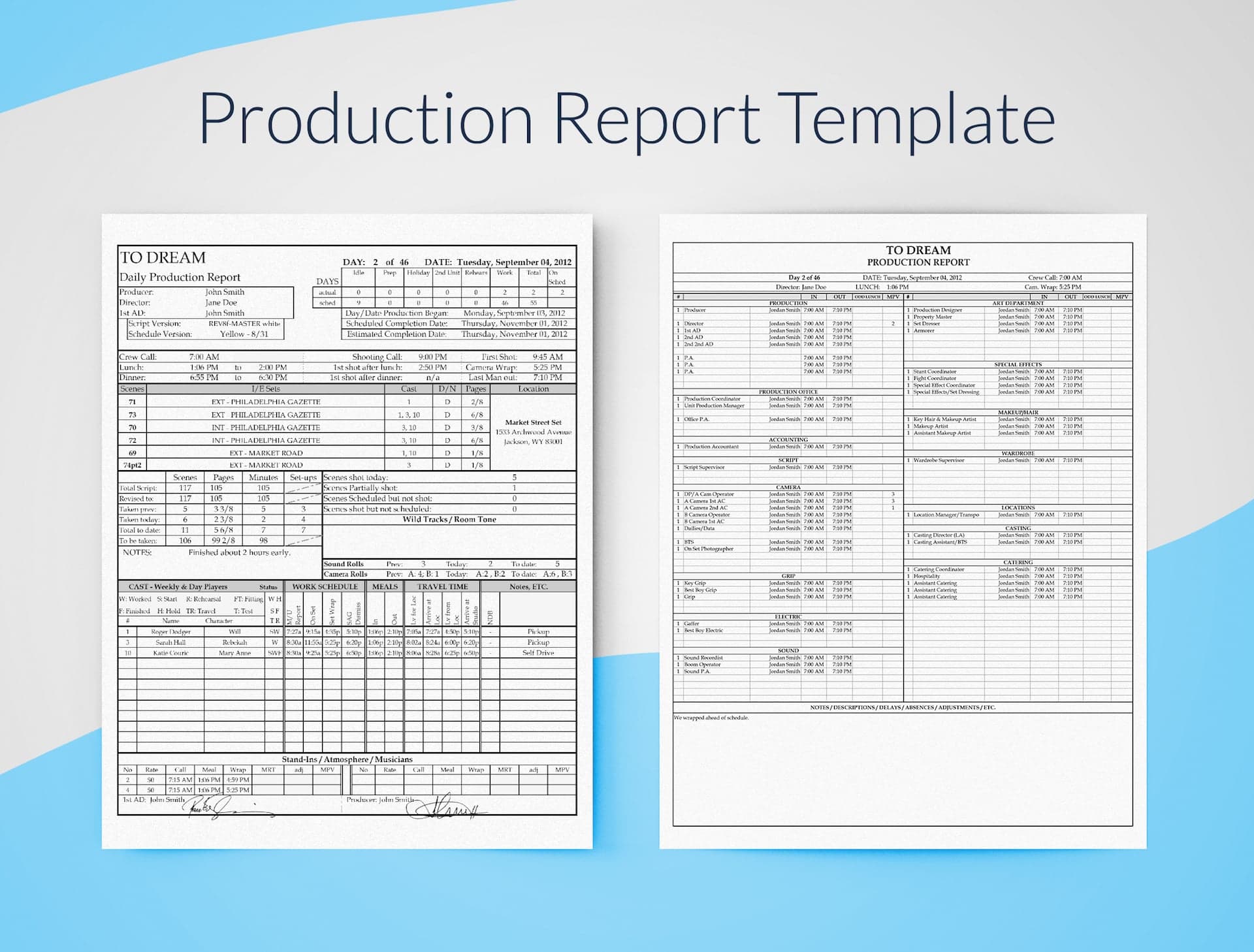
Production
Daily Production Report Template
Track scenes shot, pages covered, setups, and time against schedule. The end-of-day report producers and line producers actually read.
Production
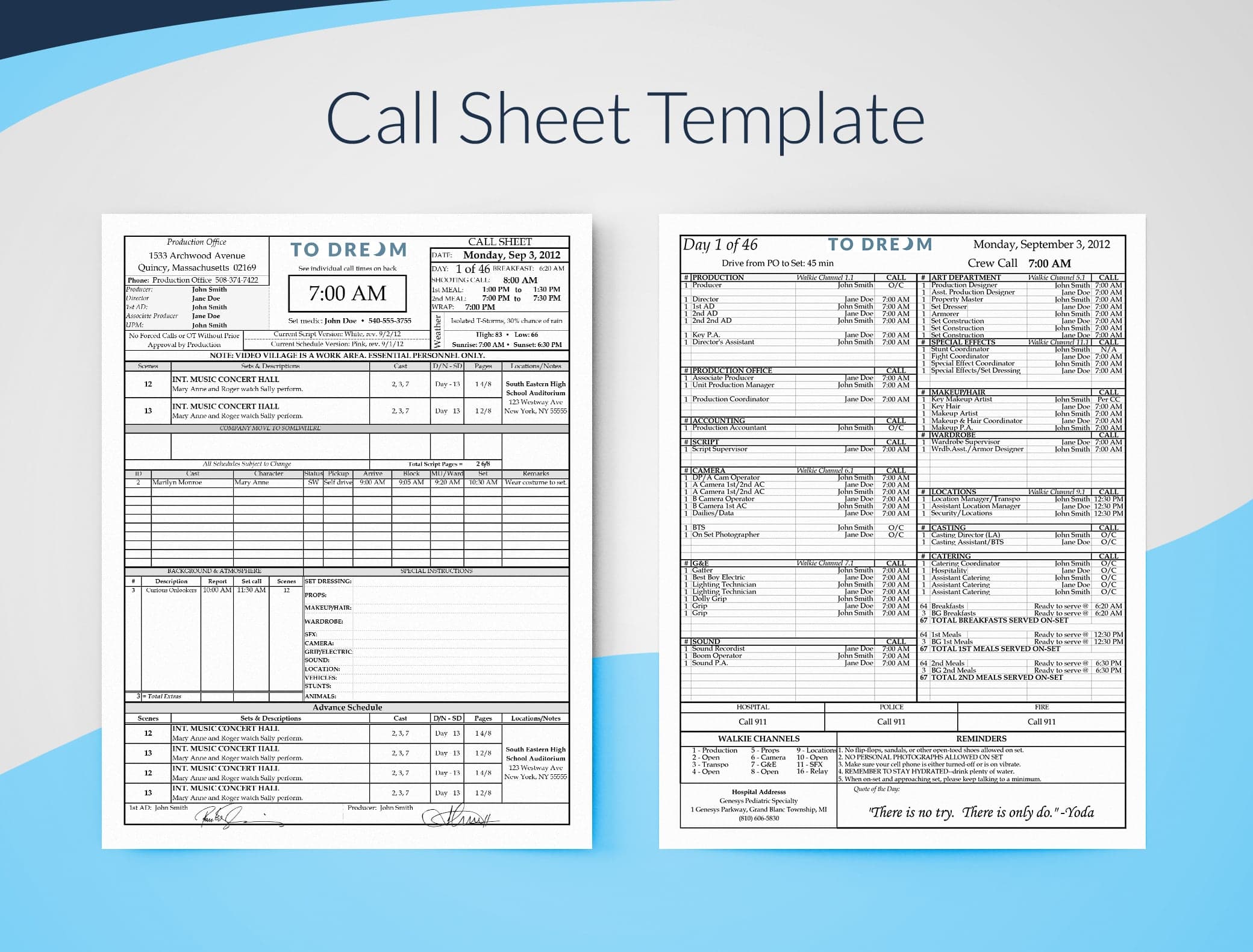
Professional Call Sheet Template for Excel
The full call sheet we ship to crew on every shoot day. Header, schedule, crew list, weather, and parking — all in one editable Excel file, with a Google Sheets copy.
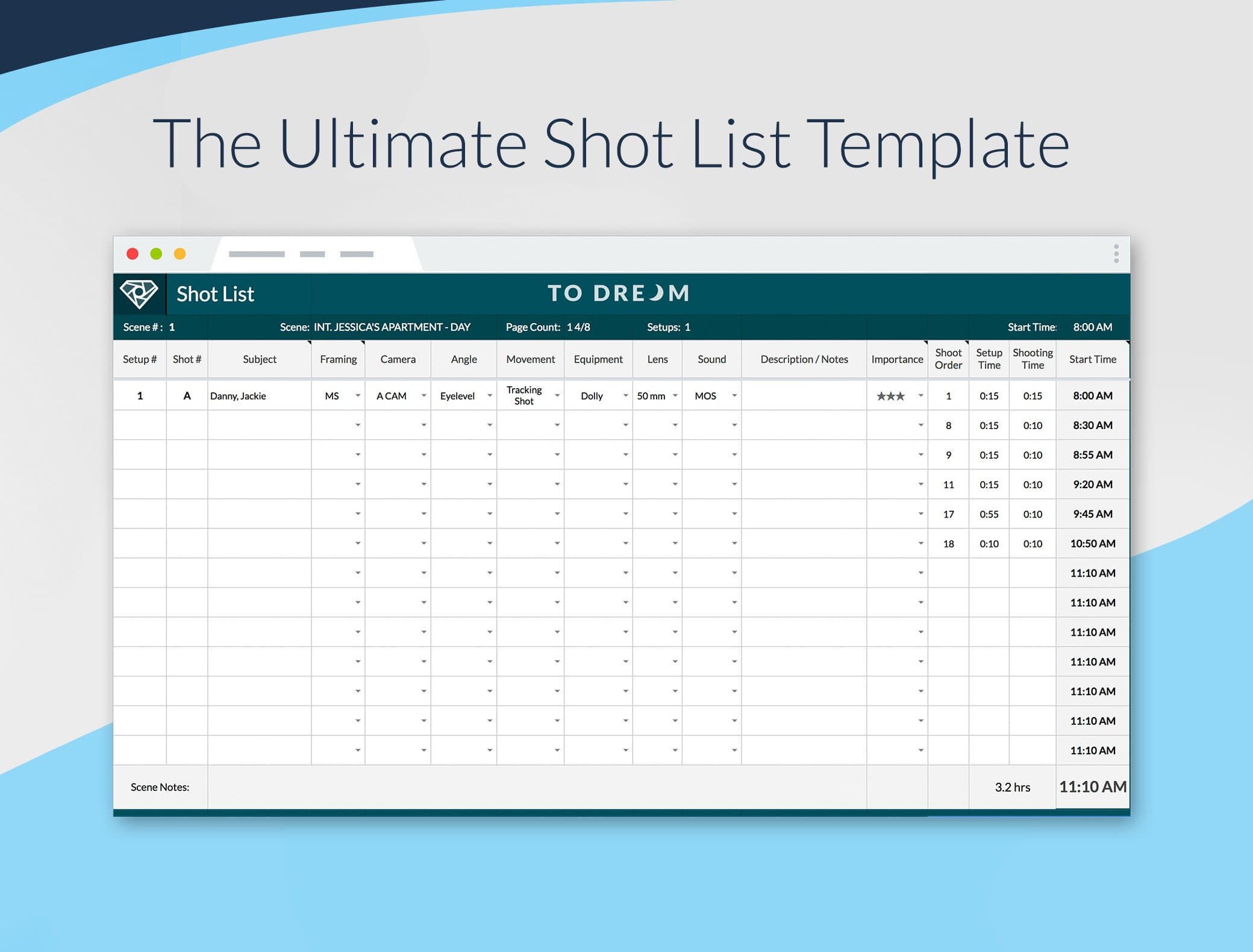
Pre-Production
Professional Shot List Template
A shot list that doubles as a schedule. Group by setup, mark coverage, and track lens and movement in one row.